
Draft
Manage your data
From the Account tab in the Landly app, you can request a copy of all the data we have on you, or permanently delete your account. Both actions send a confirmation to your email before anything happens.
Landly app › Account
How to get there
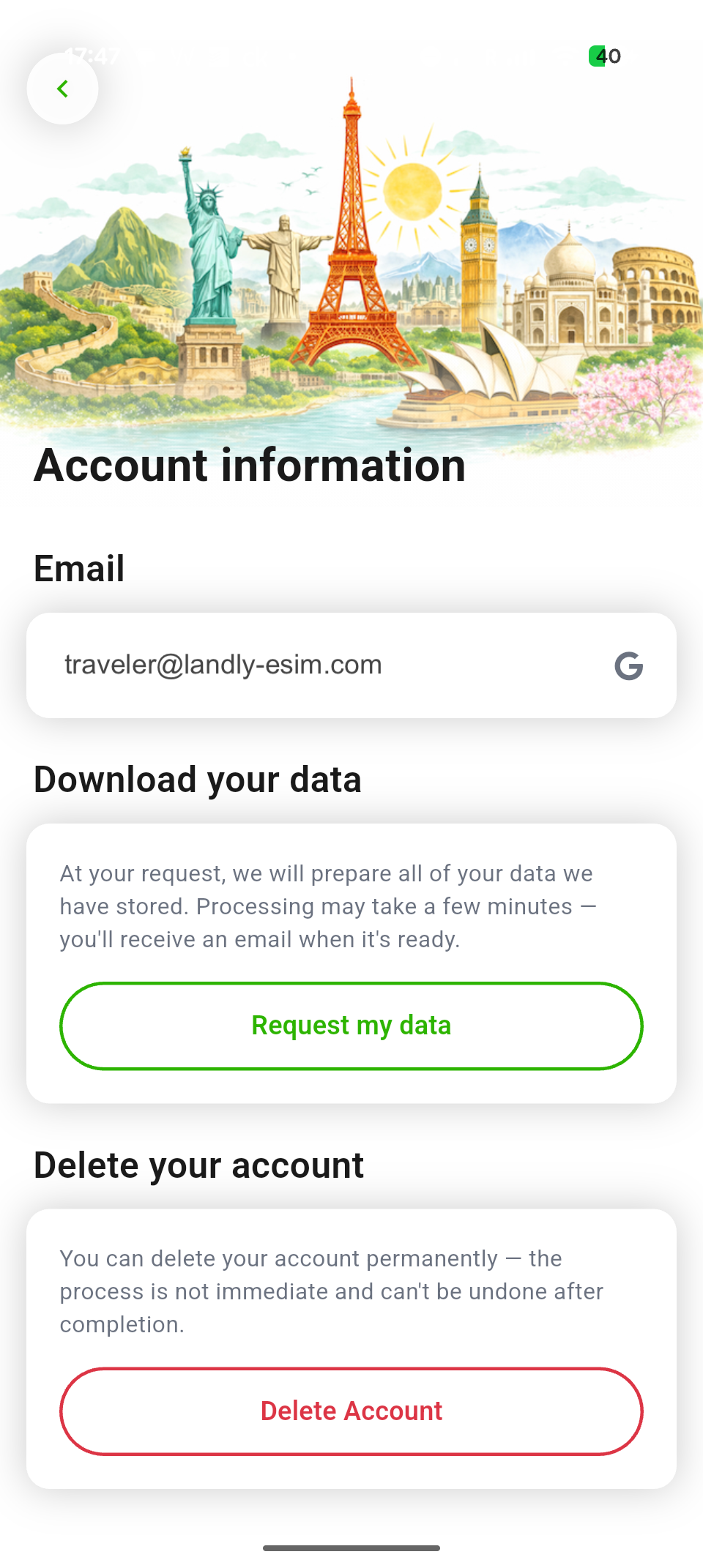
Open the Landly app, tap the Account tab, then choose Account information. You’ll see two options:
- Download your data — we’ll prepare an export of your account info, purchase history, eSIM records, and support correspondence. You’ll get an email when it’s ready (usually a few minutes).
- Delete your account — permanently removes your account after a short grace period. Active eSIMs will stop working and unused balances may be forfeited. This can’t be undone.
Don’t have the app handy?
Email privacy@landly-esim.com from the address on your account and we’ll process your request manually. We may ask for additional information to verify your identity.
For more on how we handle personal information, see our Privacy Policy.